Read printed text.Hear it instantly.
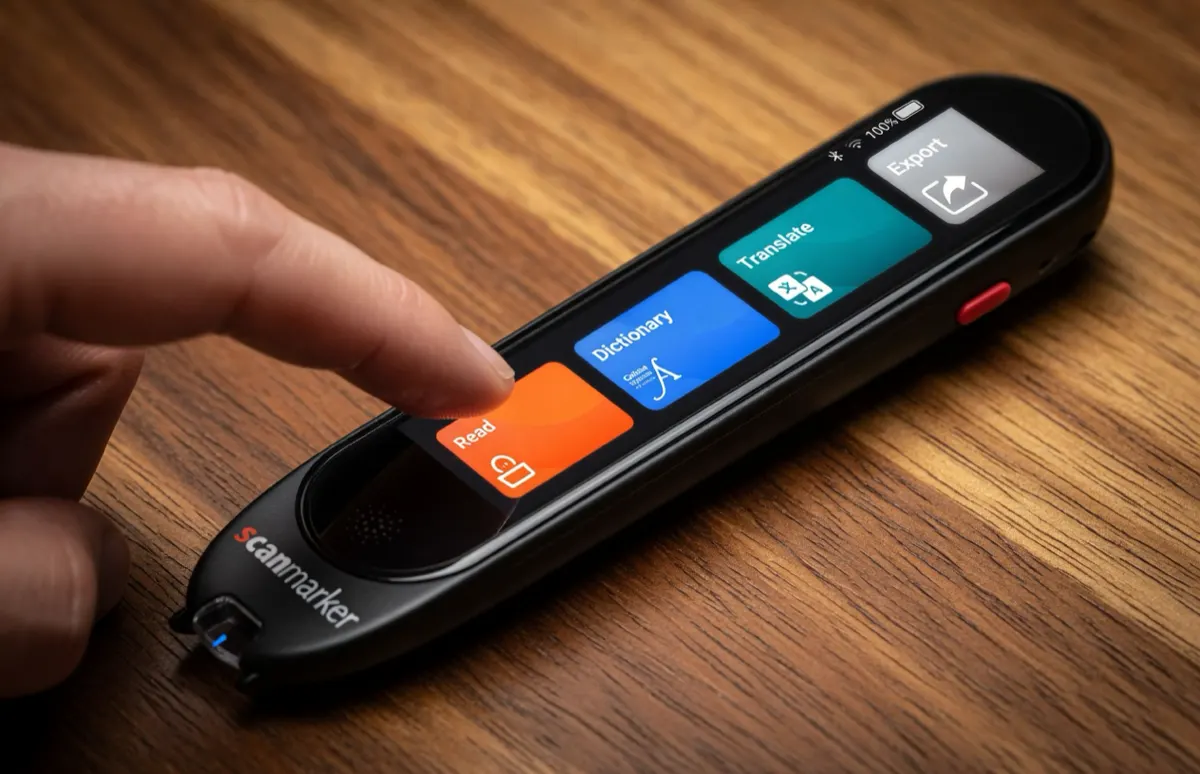
A standalone reading pen for adults. Scan a line of printed text and hear it spoken aloud through the pen's own speaker — no phone, no app, nothing to set up.
- Built-in speaker
- Works offline
- No app required
…the terms set out in section 4 of this agreement…
the terms set out in section four of this agreement
- Printed textOn the page
- ScanThe line
- OCRRecognize text
- SpeakHear it aloud
Not sure what you need? Start with the problem.
I need help reading everyday print
Books, menus, forms, labels, documents and small print.
Explore →I want to hear printed text
Text-to-speech, OCR and printed-text reading.
Explore →I’m comparing reading tools
Reading pens vs. phones, apps, tablets and scanners.
Compare →I want to choose a reading pen
Features, portability, offline use and buying considerations.
Find your pen →Not sure a reading pen is the right tool at all? This site publishes 34 guides on reading assistance for adults — including the cases where a phone, a flatbed scanner or desktop software is the better answer.
Read the guides →Three seconds, start to finish
No pairing, no account, no software. The device does the whole job by itself.
Draw it across the line
Rest the tip on the page and slide it along the text, the way you would underline it with a highlighter.
It recognises the words
Optical character recognition runs on the device itself — no photograph to take, no upload, no connection required.
It reads them out
The built-in speaker says the line back to you. Keep going, or stop and re-read whatever you missed.
What it does — and what it doesn’t
Worth knowing before you buy, not after. A reading pen is a precise tool, and it is the wrong tool for some jobs.
It handles this well
- Reading a line, a paragraph or a page you choose, out loud, on demand
- Printed material that never gets digitised — letters, forms, labels, manuals
- Working with nothing else present: no phone, no laptop, no signal
- Clean body text at ordinary sizes, in good contrast
- Re-hearing a difficult sentence as many times as you want
Reach for something else when
- You want a whole book converted to audio — a sheet-fed scanner and TTS software suits that better
- The text is handwritten, heavily stylised, or printed on a strong pattern
- You need it read from a screen — your phone and computer already do that
- You want a diagnosis or treatment for a reading or vision condition — this is an access tool, nothing more
Both sides of that are covered in more depth in Reading Pen vs. Traditional Scanner: Complete Comparison Guide and Reading Pen vs. Text-to-Speech Software.
Which pen fits
Two models read aloud entirely on their own. That is the shortlist for this site — everything else in the lineup needs a phone or computer to speak.
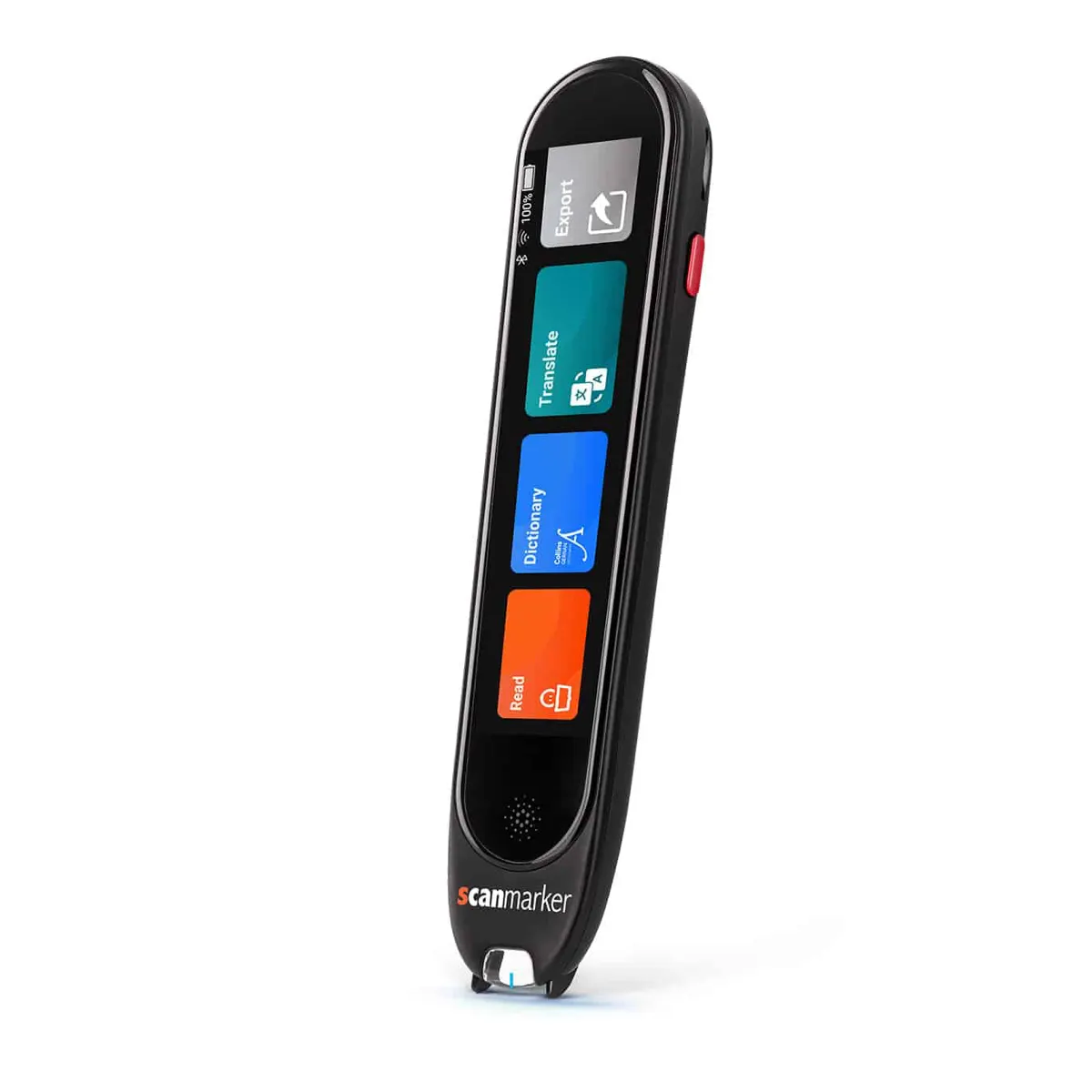
Scanmarker Max
The fuller device: a touchscreen you read from as well as listen to, on-device speech, and the widest language coverage in the standalone pair.
- Reads aloud on its ownYes
- Languages30 languages
- Needs a phone or computerNo
C-Pen Reader 2
SEN standard, built-in dictionary
- Reads aloud on its ownYes
- LanguagesEnglish/ES/FR
- Needs a phone or computerNo
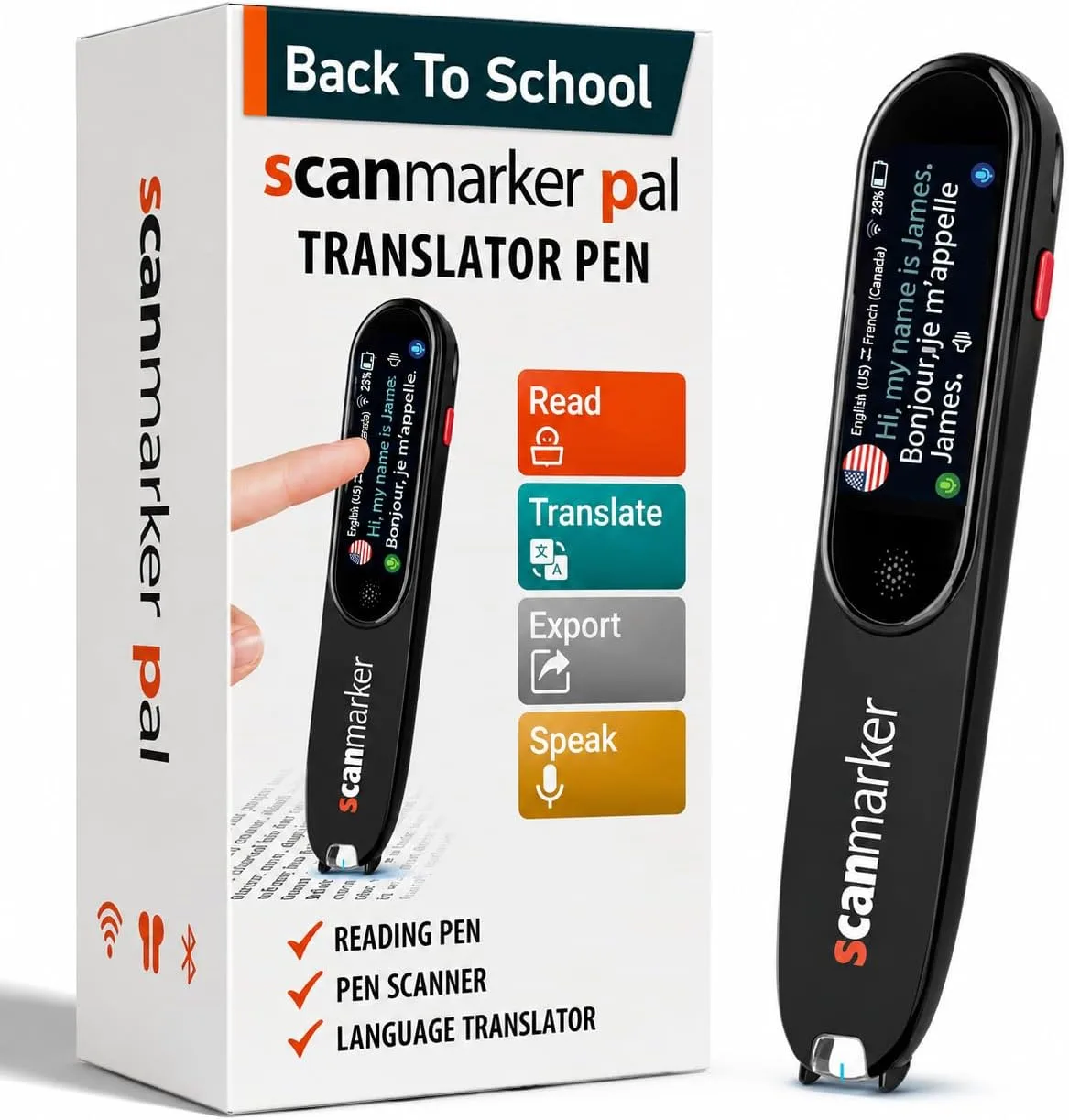
Scanmarker PAL
The simpler device: fewer controls, nothing to configure, and a build meant to survive being carried around. Picks up and works.
- Reads aloud on its ownYes
- Languages10 languages
- Needs a phone or computerNo
Already read on a phone or a laptop?
Then a connected pen may cost less and suit you better — it borrows the screen and speaker you already carry. These are listed here for completeness, not recommended for the no-phone use case this site is about.
Side by side
One question splits this lineup: does the pen speak by itself, or does it need your phone or computer to do it? Everything else follows from that.
| Model | Price | Speaks by itself | Languages | Best for |
|---|---|---|---|---|
| Standalone — nothing else needed what this site recommends | ||||
| Scanmarker Max Best standalone | $299 | ✓ Yes | 30 languages | Touchscreen, exam-lock, offline TTS |
| C-Pen Reader 2 SEN Standard | $399 | ✓ Yes | English/ES/FR | SEN standard, built-in dictionary |
| Scanmarker PAL | $179 | ✓ Yes | 10 languages | Simple and durable — minimal controls |
| Connected — speaks through your phone or computer | ||||
| Scanmarker Air Best for note-taking | $169 | ✗ Needs a device | 112 languages | Types straight into any app |
| Scanmarker Reader | $149 | ✗ Needs a device | English | Focused read-aloud via your device |
| Scanmarker USB Best budget | $79 | ✗ Needs a device | 112 languages | Wired, no pairing, budget desk option |
Standalone — nothing else needed
Connected — speaks through your phone or computer
Standalone models list on-device text-to-speech languages; connected models list the translation languages available through a host device. Product data last checked August 2026. See the full comparison, including every model in the lineup →
Where people actually use it
Each of these is a real situation with its own guide — written for the specific problem, not as a sales page.
Books
Long-form reading without decoding every line yourself.
Read the guide →Menus and signage
Small, low-contrast print in places you cannot control the lighting.
Read the guide →Forms and paperwork
Applications, contracts and anything with fine print you have to sign.
Read the guide →Printed documents
Letters, statements, manuals and correspondence that arrive on paper.
Read the guide →Small print
Labels, dosage instructions, footnotes and packaging.
Read the guide →Dense or technical text
Material where re-reading the same paragraph is the actual problem.
Read the guide →Out of the house
Somewhere a laptop is impractical and a phone is awkward to hold up.
Read the guide →At work
Printed reports, reference material and documents that never get scanned.
Read the guide →Coursework
Textbooks and course packs, including material provided only on paper.
Read the guide →When reading tires you out
Sustained reading that costs more energy than it should.
Read the guide →Why listening helps
Three background guides for anyone deciding whether the problem they have is the problem this solves.
Reading Fatigue and Reading Assistance
Extended reading gets tiring — dense pages, small print, unfamiliar words, long documents. Reading assistance technology offers another way to access it.
Assistive Reading Technology
Assistive reading technology offers alternative ways to access written information — recognizing text, enlarging it, converting it to speech, or navigating it.
Text-to-Speech for Reading
Text-to-speech, or TTS, converts written text into spoken audio. It works with digital documents, websites, ebooks, OCR systems, and dedicated devices.
34 guides, in five groups
Everything published on this site, organised by the question you arrived with.
Start here
What reading assistance actually is, and which tools exist.
Everyday situations
Books, menus, forms, paperwork, small print, work and study.
Text-to-speech
How printed words become spoken audio, on a screen and off one.
Compared with the alternatives
Pen against phone, app, flatbed scanner, tablet and desktop software.
Choosing one
Buying criteria, portability, older readers, and the Scanmarker models.
Common questions
Does it really work without a phone?
Yes — that is the whole point of the two models on this page. Scanmarker Max and Scanmarker PAL each have their own speaker and processor, so they read aloud with nothing paired and nothing installed. Connected models exist in the wider lineup, but they need a phone, tablet or computer to display and speak.
What is the difference between Scanmarker Max and Scanmarker PAL?
Scanmarker Max ($299) is the fuller device — touchscreen, exam-lock, offline tts. Scanmarker PAL ($179) is the simpler one — simple and durable — minimal controls. Both read aloud on their own; the difference is how much the device does beyond that, and how many languages it covers.
Can it read in other languages?
On-device text-to-speech covers 30 languages on Scanmarker Max. Scanmarker PAL covers 10 languages. Connected models reach 112 languages for translation, but they require a host device to do it.
How long does the battery last?
Roughly 16 hours of active use on Scanmarker Max.
Will it read an entire book for me?
It is built for lines, passages and pages you choose — not for digitising a whole book unattended. If your goal is to convert an entire volume into audio, a flatbed or sheet-fed scanner paired with text-to-speech software is the better tool, and the guides on this site cover that comparison honestly.
Does it work on any printed page?
Recognition depends on the print itself — font, size, contrast, paper quality, curvature near a book’s spine, and how steadily the pen is drawn across the line. No optical character recognition is perfect in every condition. Clean, reasonably sized body text is where it performs best.
Is this a medical or low-vision device?
No. It is assistive technology that provides access to printed text. It does not diagnose, treat or correct any condition, and it is not a substitute for advice from an optometrist, ophthalmologist or other qualified professional.
What if I already read on a phone or laptop?
Then a connected pen may suit you better and cost less — it uses the screen and speaker you already carry. The full lineup, standalone and connected side by side, is on the comparison page.
Last reviewed: August 2026
Built to be readable
This site is for people who find reading hard work, so its own type size, contrast, focus indicators and tap targets are treated as requirements rather than finishing touches.
Two pens read aloud on their own
Scanmarker Max at $299, Scanmarker PAL at $179. Both work with no phone, no app and no connection.
Compare the two